
Spacebar Counter
Count your Spacebar presses instantly with this simple online Spacebar Counter. Press the Spacebar and watch your total increase in real time.
How to Use the Spacebar Counter
Start Counting Spacebar Presses
Click the Spacebar Counter if needed, then press the Spacebar on your keyboard. Each detected press will be added to the counter automatically.
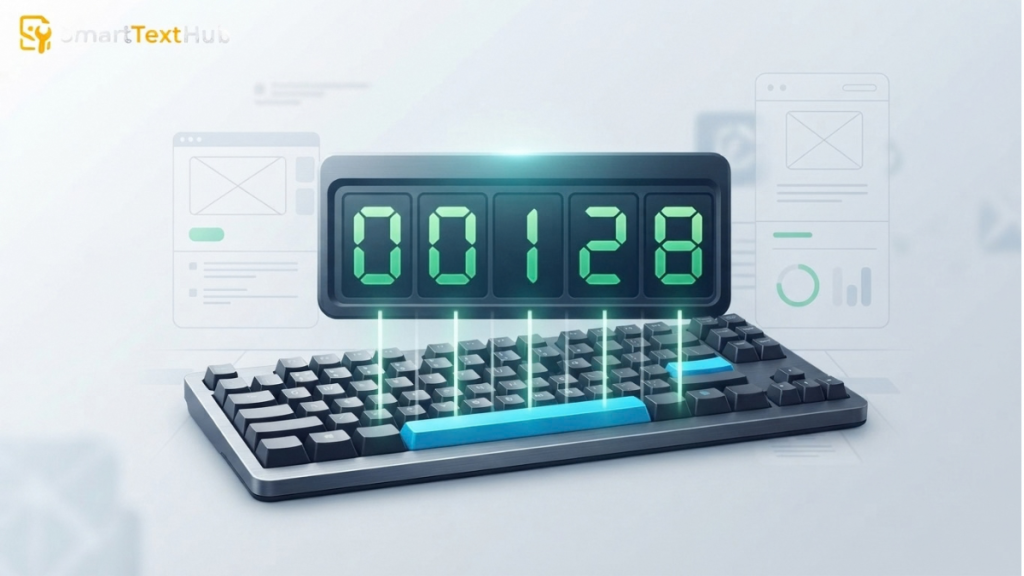
View Your Press Count
Your total Spacebar presses will be displayed in the counter as you press the key. The number represents the presses detected during your current counting session.
Reset and Try Again
When you want to start a new attempt, use the Reset button to clear the current count. You can then press the Spacebar again and begin a fresh count.
What Is a Spacebar Counter?
A Spacebar Counter is an online tool that counts how many times you press the Spacebar on your keyboard. Each detected Spacebar press increases the total, allowing you to see your current press count in real time.
It can be used for a simple Spacebar pressing challenge, checking whether your Spacebar input is being detected, or counting repeated presses during a session.
How Does the Spacebar Counter Work?
The space bar counter listens for Spacebar presses while you use the tool. When a valid press is detected, the space counter records it and updates the displayed total.
Detecting Spacebar Presses
When you press the Spacebar on your keyboard, the browser detects the keyboard input. The tool recognizes the Spacebar key and registers the press.
Updating the Counter
Each detected Spacebar press increases the counter by one. The updated number appears immediately so you can follow your total while pressing the key.
What the Final Count Means
The final number represents the total Spacebar presses detected during the current session. It shows the number of registered presses, not your pressing speed, unless a separate timed speed feature is provided.
What Does the Spacebar Counter Count?
The Spacebar Counter counts the individual Spacebar presses detected by the tool during your current session. Each time you press the Spacebar, the total increases by one.
The displayed number represents your total registered Spacebar presses. It does not measure pressing speed or presses per second unless a separate timed test is included in the tool.
Spacebar Counter vs. Spacebar Speed Test
A Spacebar Counter and a Spacebar Speed Test are related, but they measure different things.
For example, pressing the Spacebar 30 times tells you your total press count. To determine how fast those 30 presses happened, the tool would also need to measure the time taken.
If you’re simply counting your Spacebar presses, use the Spacebar Counter. A speed test is more appropriate when you want to measure pressing speed.
Can You Use a Spacebar Counter to Test Your Keyboard?
Yes. A Spacebar Counter can provide a simple way to check whether your keyboard is detecting Spacebar presses correctly. Press the key several times and watch the counter to see whether each press is registered.
However, a spacebar counting is not a complete keyboard diagnostic tool. It only checks the Spacebar input that the browser receives. It does not diagnose hardware problems such as a damaged key switch, keyboard circuitry, or other keys.
Practical Uses for a Spacebar Counter
A Spacebar Counter can be useful for simple keyboard checks, personal challenges, and counting repeated Spacebar presses.
Testing Spacebar Input
Use the counter to check whether your Spacebar presses are being detected by your browser. If you press the key and the count increases consistently, the tool is receiving the expected Spacebar input.
Trying a Spacebar Challenge
You can use the counter for a simple personal Spacebar challenge by seeing how many times you can press the key during your chosen attempt. If you want to measure speed, you’ll need a separate timed test that records both presses and elapsed time.
Comparing Repeated Presses
Repeat the test and compare the number of registered presses between attempts. This can help you see whether your Spacebar input is being consistently detected from one session to another.