
Tap Counter
Count taps quickly with a simple online tap counter. Tap or click to increase the count and keep track of your total as you go. Use the counter for repeated activities, quick tallies, or any task where you need to keep a running count.
How to Use the Tap Counter
Using the Tap Counter is simple. Start counting with the main button, watch the total update as you go, and reset the counter when you want to begin a new count.
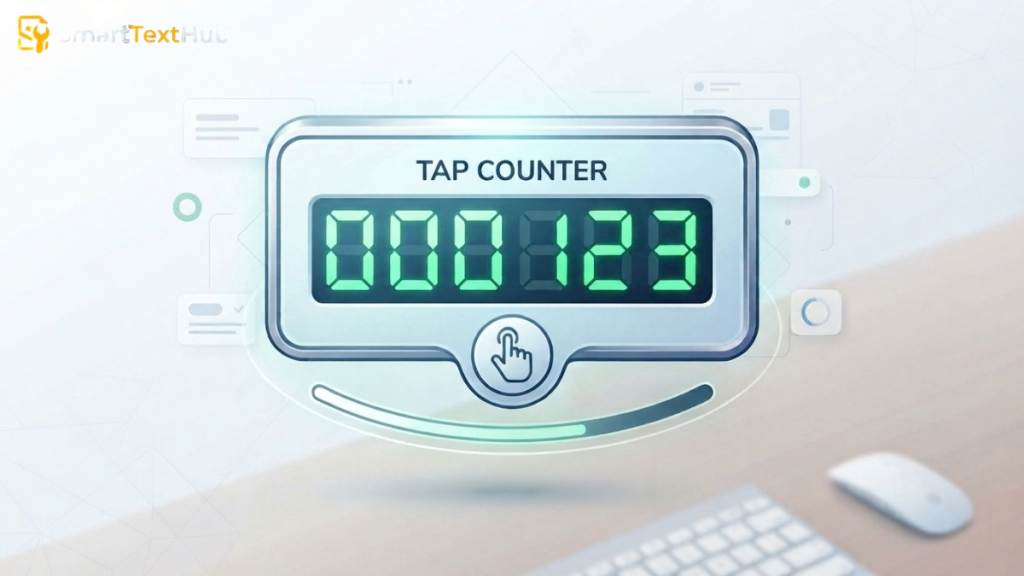
Tap or Click to Count
Tap the counting button on your screen to increase the total. On a computer, click the button to add to the count. Each registered tap or click adds to the running total.
Check Your Current Count
Your current count is displayed on the counter as you use the tool. You can keep tapping or clicking while watching the total increase.
Reset the Counter
When you want to start over, use the Reset button to clear the current count and begin a new counting session.
What Is a Tap Counter?
A tap counter is a simple digital tool that keeps track of how many times you tap or click a counting button. Each registered tap increases the displayed total, allowing you to keep a running count without counting each action manually.
An online tap counter can be useful for repeated activities, quick tallies, exercises, item counting, or any task where you need to keep track of multiple taps.
What Does the Tap Counter Count?
The Tap Counter keeps a running total of the taps or clicks you make on the counting area. Each registered interaction adds to the current count, so you can track repeated actions without manually keeping the number in your head.
For example, if you tap the counter 20 times, the displayed count reaches 20. You can continue counting for as long as needed and check the total at any point.
This makes the tool useful for simple tasks such as counting repetitions, items, people, or other repeated actions.
Common Uses for a Tap Counter
A tap counter can be used whenever you need to keep a simple running total of repeated actions. Instead of trying to remember the number yourself, you tap or click once for each item or action you want to count. Common uses include exercise repetitions, inventory, people counting, and other repeated activities.
Exercise and Repetition Counting
Use the tap counter to keep track of repetitions during workouts or other repetitive exercises. You can count activities such as push-ups, squats, jumping exercises, or other movements where each repetition represents one count.
Inventory and Item Counting
A tap counter can help with simple inventory and stock counts. Tap once for each item, box, product, or other unit you need to tally, then check the final number when you finish. Digital tally counters are commonly used for this type of manual counting.
People and Event Counting
You can use a tap counter to manually count people entering an event, venue, classroom, or other location. Each person can be recorded with one tap, giving you a running attendance or visitor total.
Other Repeated Activities
The same counting method works for many other repetitive tasks. You can use it for laps, deliveries, items sorted, tasks completed, or any activity where you need to record one count at a time.
Using the Tap Counter on Your Device
The Tap Counter runs directly in a web browser, so you can use it on supported phones, tablets, and computers. Open the tool, use the counting button for each tap or click, and watch the total update as you count.
On a Phone or Tablet
Open the Tap Counter in your mobile or tablet browser and tap the counting button on the screen. The large button provides a clear touch target on mobile devices.
On a Computer
Open the Tap Counter in a desktop or laptop browser and click the counting button with your mouse. Continue clicking to increase the total and check your current count as you go.
Your Final Count
When you finish counting, the Tap Counter shows the total number of registered taps or clicks. You can check the displayed number to see your final count.
If you need to start a new count, use the Reset button to clear the current total and begin again.